
Pupil Premium software
Pupil Premium software: from strategy statement to impact
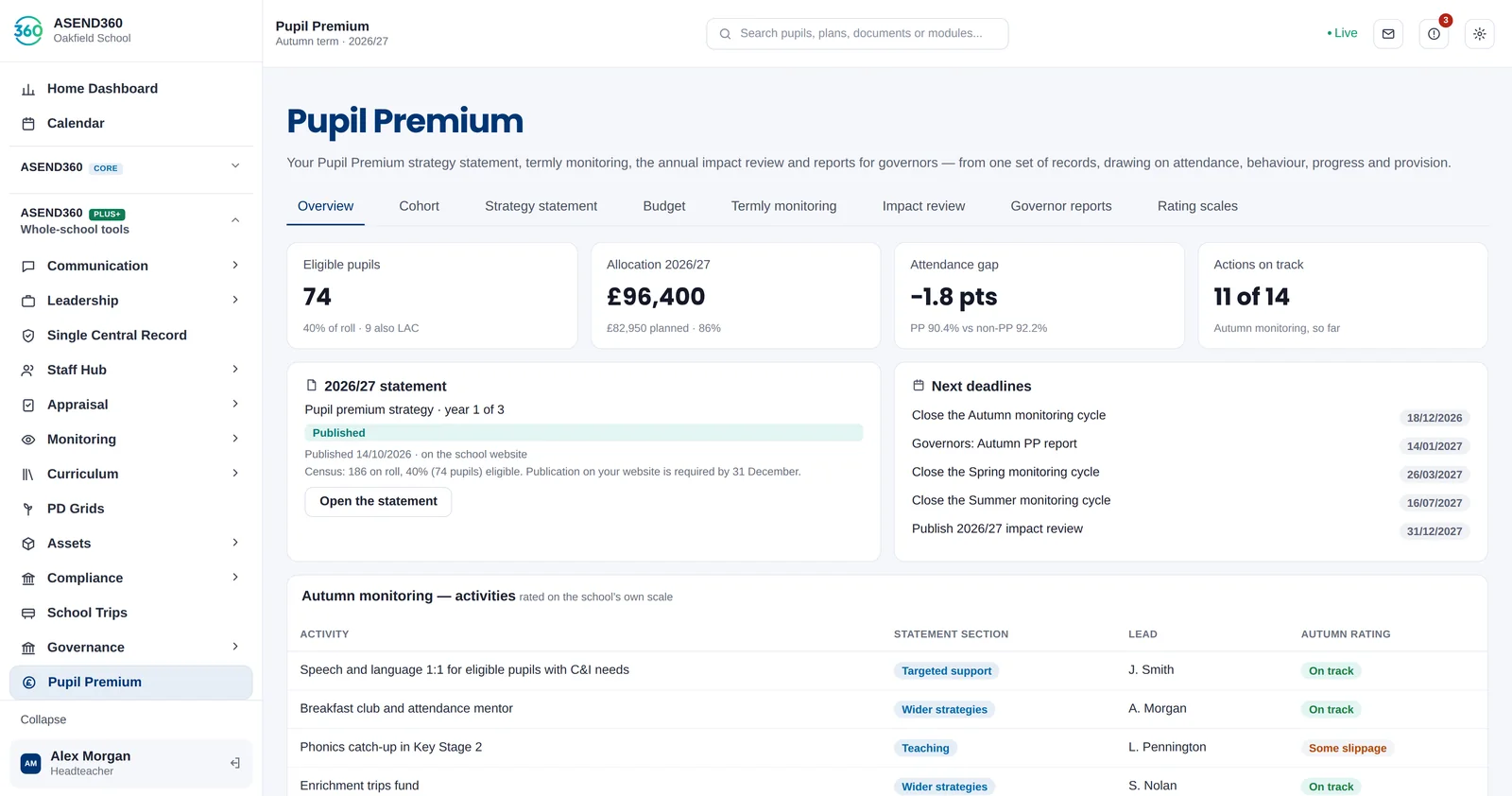
Write your strategy statement in the DfE template, rate every activity each term, and produce the impact review and governor reports from the same records — drawing on attendance, behaviour, progress and provision.
What schools have to publish
Schools receiving Pupil Premium funding must publish a strategy statement on their website using the Department for Education’s template, setting out how the funding will be spent and reviewing the impact of the previous year’s spending. The DfE sets the publication deadline each year, currently 31 December.
How ASEND360 helps
- Strategy statement in the DfE template, as a one-year or multi-year strategy, adjusted year on year.
- Cohort and budget: eligible pupils, the allocation and planned spend by activity.
- Termly monitoring with built-in rating scales or your own labels, and deadlines for each cycle.
- Impact review drawing on attendance, behaviour and progress for eligible pupils against their peers.
- Governor reports generated from live records.
Questions schools ask
When must the Pupil Premium strategy statement be published?
The DfE sets the deadline each year; it is currently 31 December. ASEND360 reminds you of the date and shows when the statement was published.
Can we keep a three-year strategy?
Yes. You can run a multi-year strategy and update it each year, or write a new one-year statement.
See it with your own school’s questions.
A 30-minute walkthrough, shaped around what you use now and what’s getting in the way. No sales script.